Add funds to Cashfree wallet
To use Cashfree Wallet for disbursals, you must first add Cashfree Payments as a beneficiary in your registered bank account. You have the flexibility to add funds to any of the bank accounts displayed in the Recharge Account section. You can add funds to Cashfree Wallet from your registered bank account only. Recharges from any bank accounts not registered with Cashfree Payments will not be credited to the Cashfree Wallet fund source and will not be available for making payouts. Any such recharges will be refunded to the source account within 7 business days.Fill out the Support Form, and provide your bank
details, if not done already. You can add funds from the registered bank
account only.
Know available balance in Cashfree wallet
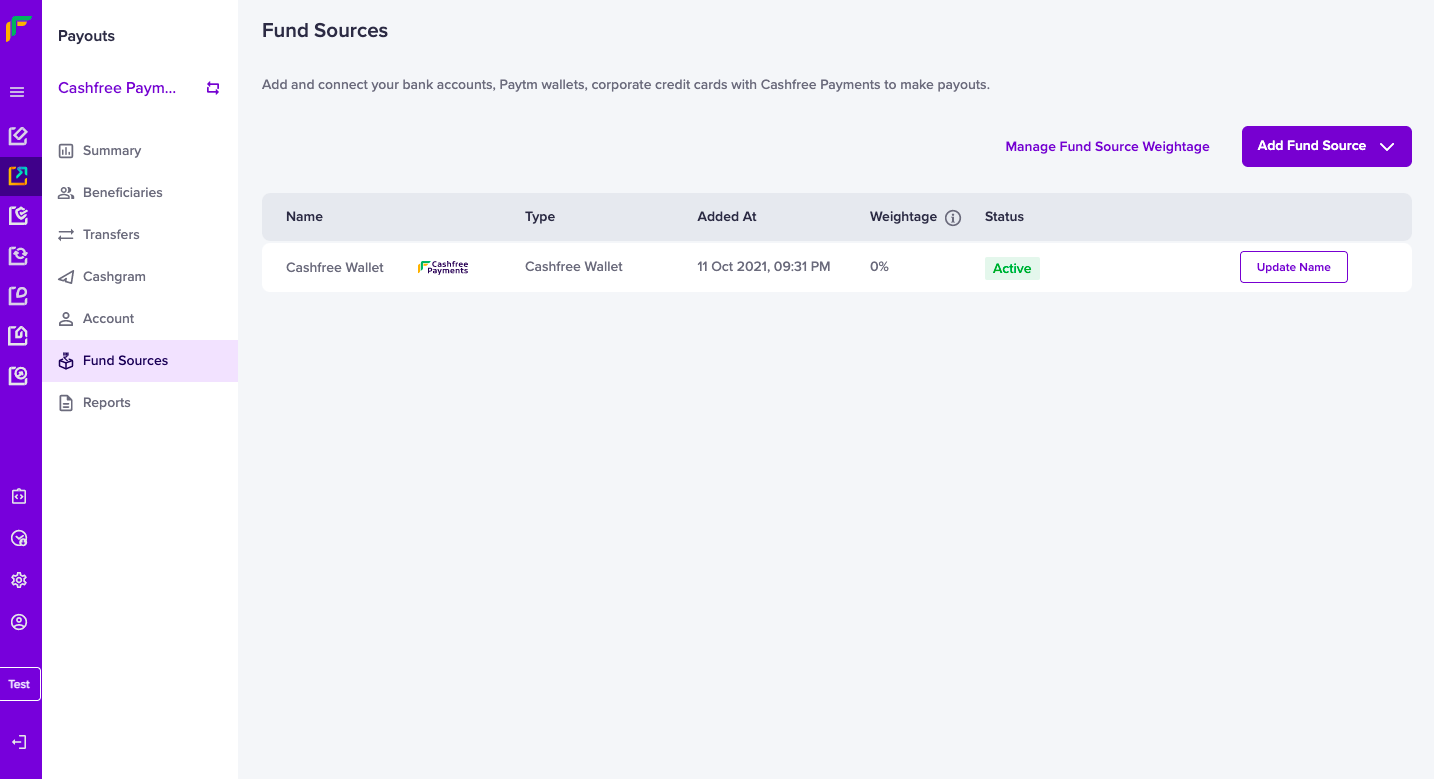
To know the available balance in your Cashfree Wallet, go to Payouts Dashboard > Fund Sources > select Cashfree Wallet.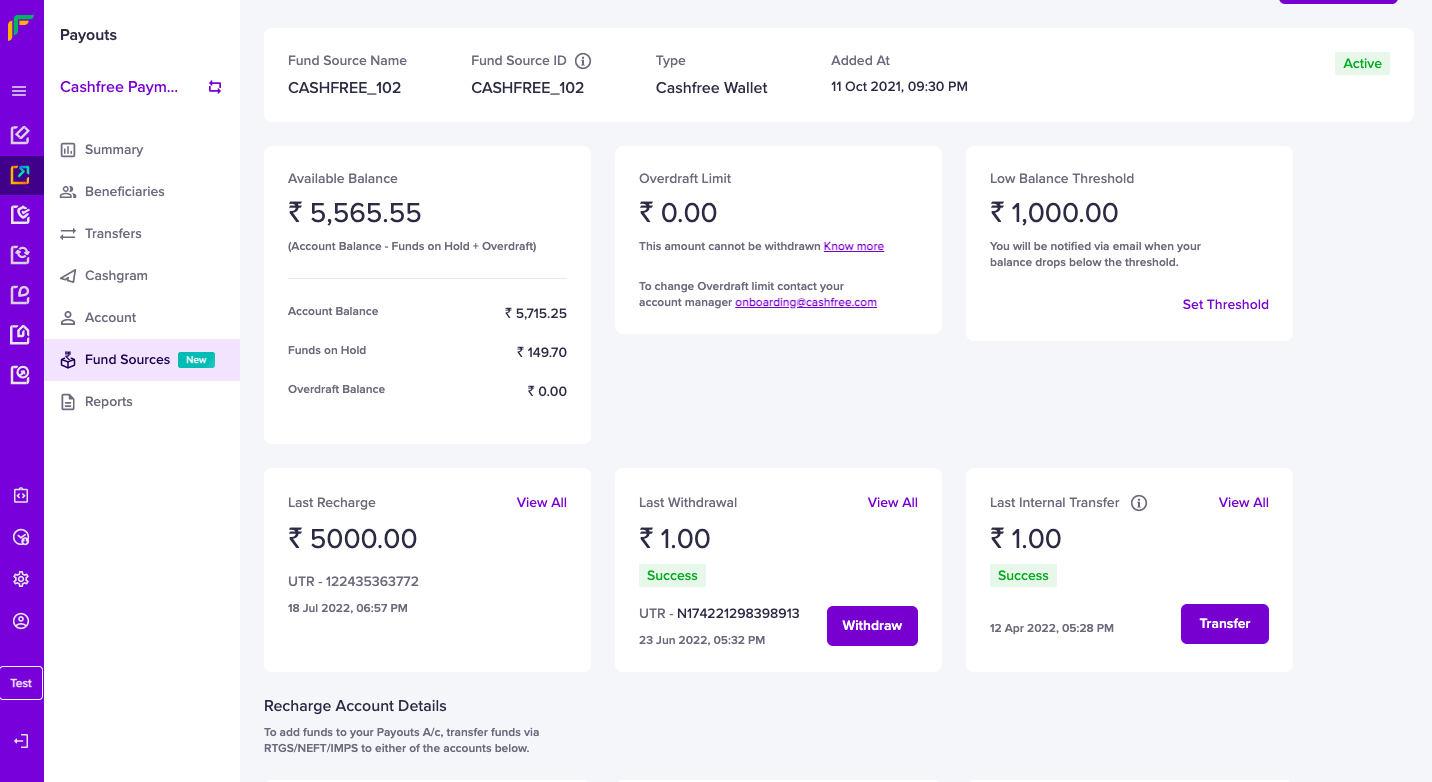
- Overdraft limit
- Low balance threshold
- Last recharge amount
- Last withdrawal amount
- Last internal transfer amount
Transfers made using IMPS are instant, and the balance is immediately
available in your Payouts Account. NEFT and RTGS are processed between 8 AM
and 6:45 PM on all NEFT working days (Monday to Saturday, except 2nd and 4th
Saturday). RTGS is not available for amounts less than Rs. 2 lakhs. There are
no additional charges for topping up your payouts recharge account.
Set low balance alert
You need to maintain a sufficient balance in your payouts account to make payments to your party. With Cashfree Wallet, you have the option to set a low-balance alert. When the balance in your wallet goes below the specified limit, Cashfree Payments will send an email to your registered email ID, and you can add funds accordingly. To set a low balance alert,- Go to Payouts Dashboard > Fund Sources > select Cashfree Wallet.
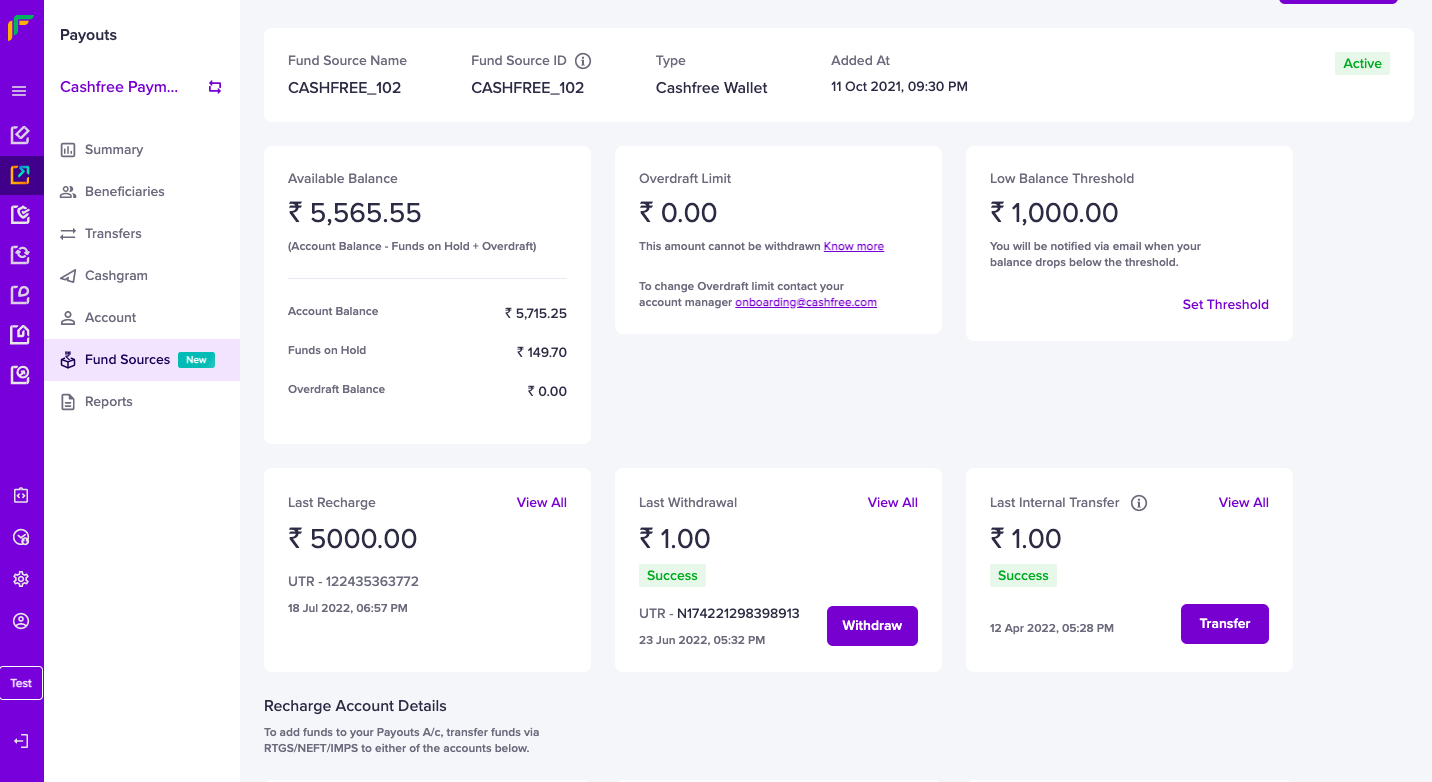
- Select Overview section > Low Balance Threshold > click Set Threshold and specify the balance.
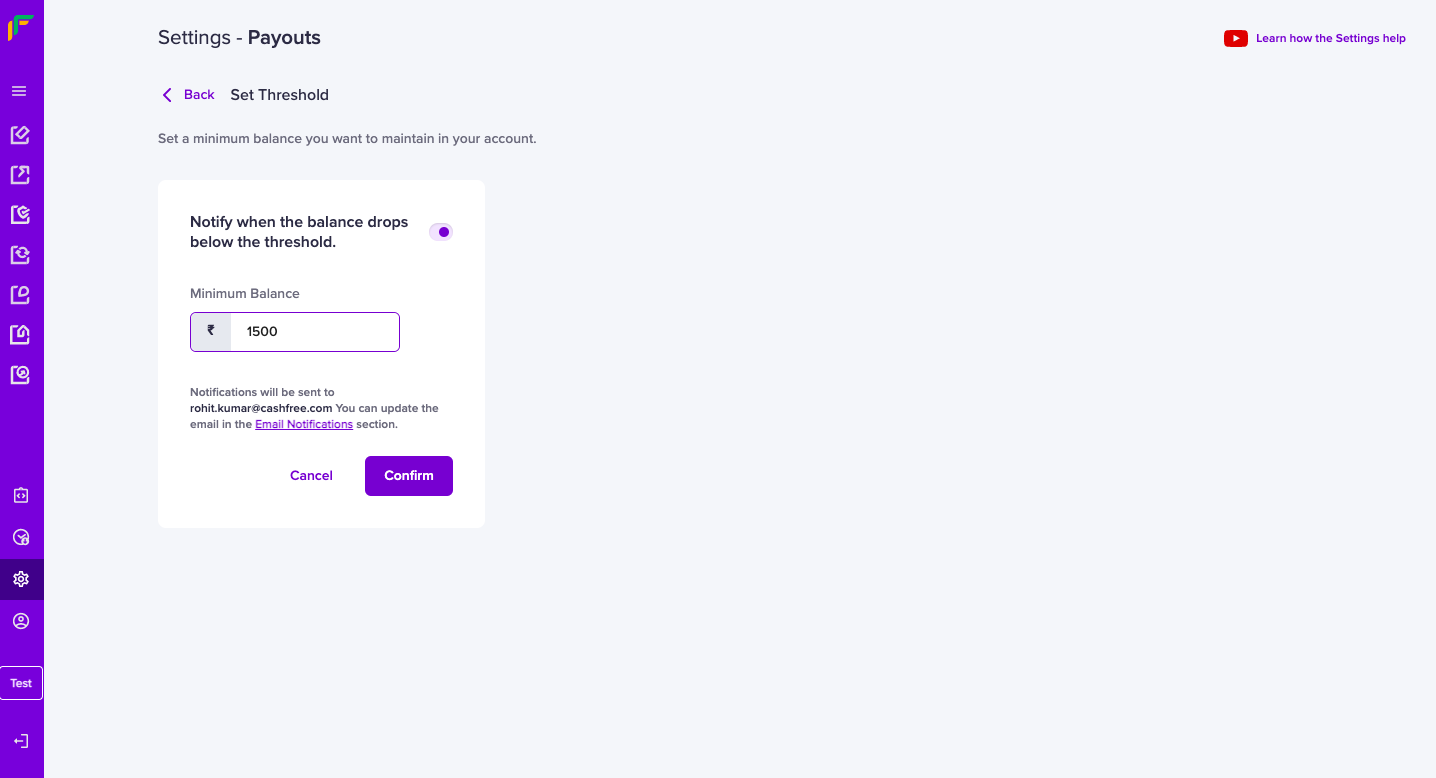
- Click Confirm to set the specified low balance amount. When the balance goes below this limit, an email is sent to your registered email ID. Ensure the option Notify when the balance drops below the threshold is enabled.
- getBalance: use this to know your Payouts account balance.
- LOW_BALANCE_ALERT webhook: use this to get a low balance alert for your Payouts account.
Withdraw funds from Cashfree wallet
Adding funds to your Payouts account is very simple, similarly withdrawing money from your Payouts account is equally easy. You are allowed to withdraw a maximum of three times per day. Also, Cashfree does not permit withdrawal to any other bank account other than the registered bank account. To withdraw a portion or the entire amount from your Cashfree Wallet,- Go to Payouts Dashboard > Fund Sources > select Cashfree Wallet.
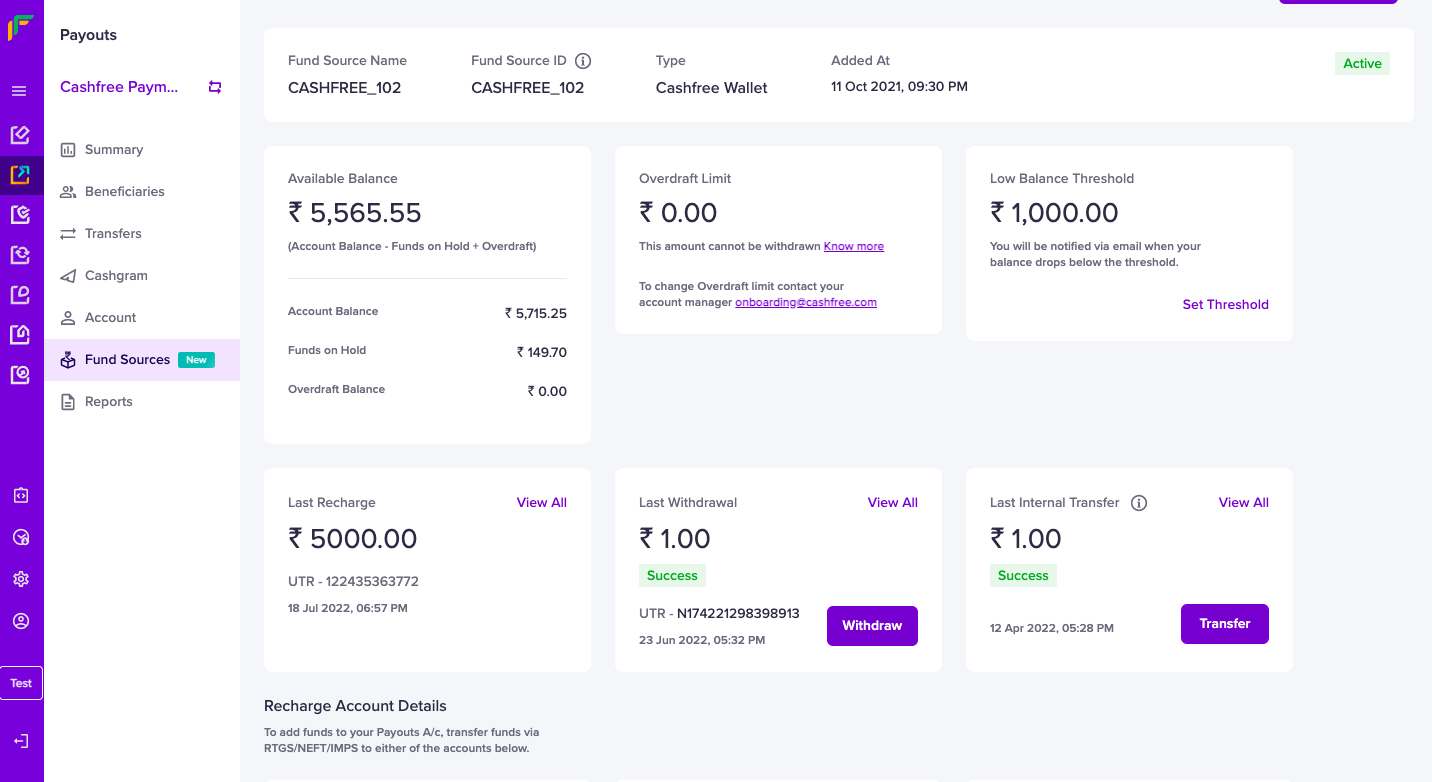
- Select Overview section > Last Withdrawal > click Withdraw.
- Enter the Amount, Remarks, and click Withdraw.
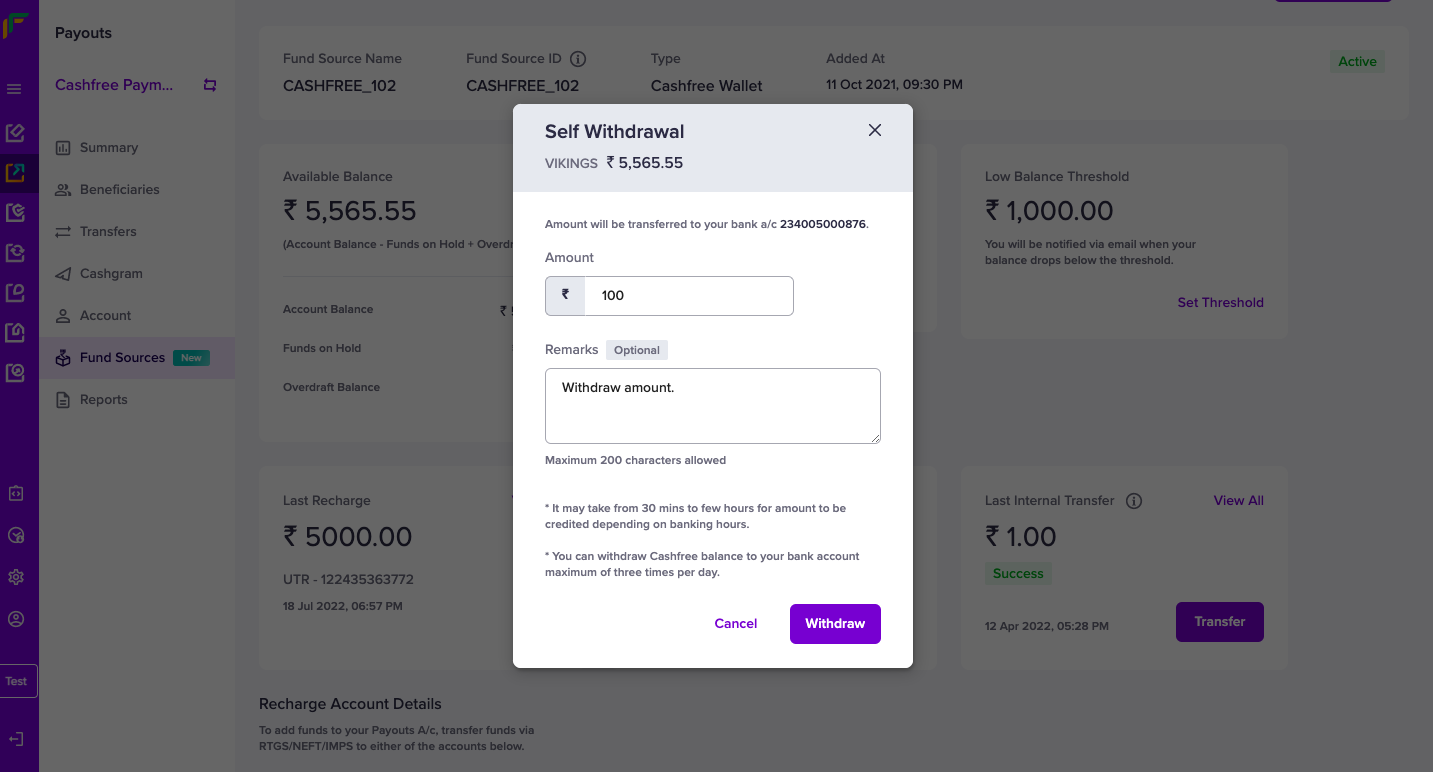
- selfWithdrawal: use this to withdraw funds from your Cashfree Wallet to your registered bank account.
Fund source statement
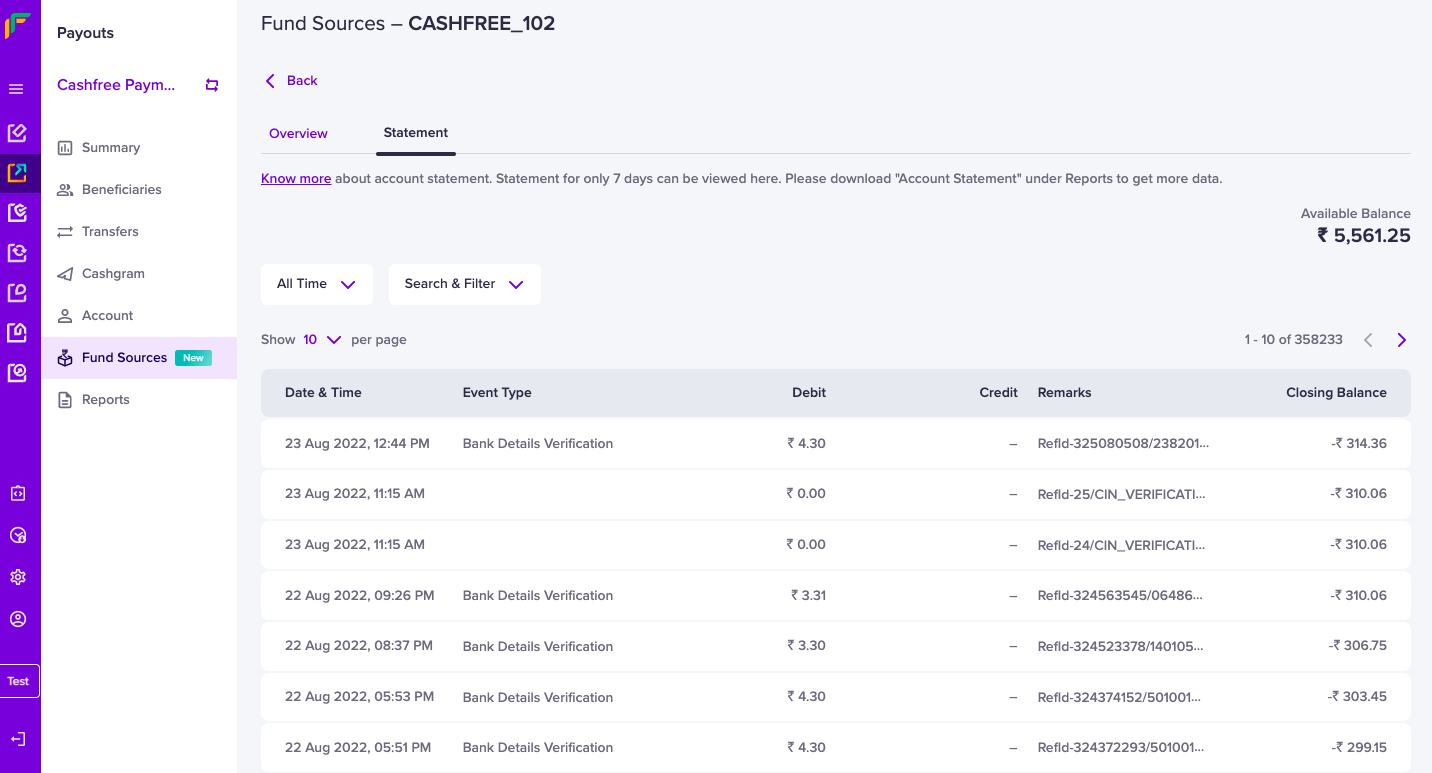
You can view all the transactions made with your Payouts account in the Statement section. To view your account statement for a fund source, go to Payouts Dashboard > Fund Sources > select Cashfree Wallet and click Statement.